

Notamify May 2026 Product Update: Affected Elements V2, Profiles, Timeline and Skymerse
5/14/2026
In May 2026, we focused on one core problem: making NOTAM operational context easier to review, visualize, and use in flight preparation.
The result is a major upgrade to Notamify's structured NOTAM experience, plus new profile, runway-distance, timeline, and review workflow features.
Affected Elements V2
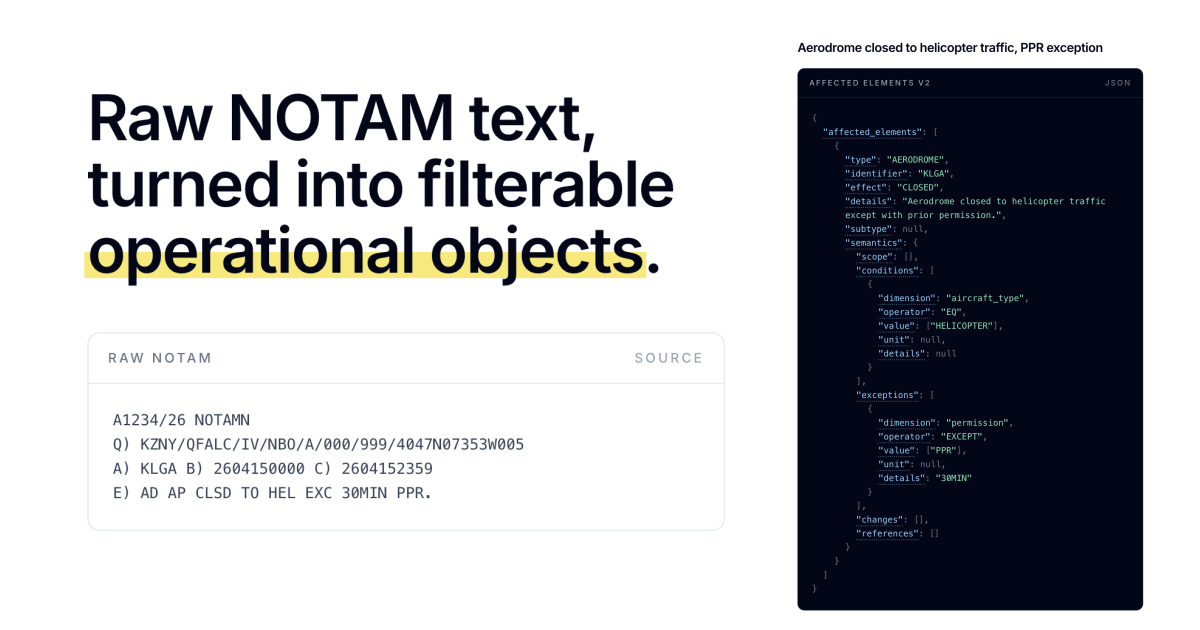
This is the big one. Affected Elements V2 significantly expands the operational context users can see in Notamify, including affected airport surfaces, services, procedures, airspace, and related timing context where available.
That makes review more useful than keyword matching because users can see what part of the operation a notice may affect, not only the words used in the source text.
The same product layer now improves filtering, alerts, UI grouping, API responses, SDK objects, and flight-level intelligence.
Notamify Profiles: filter NOTAMs by your operation
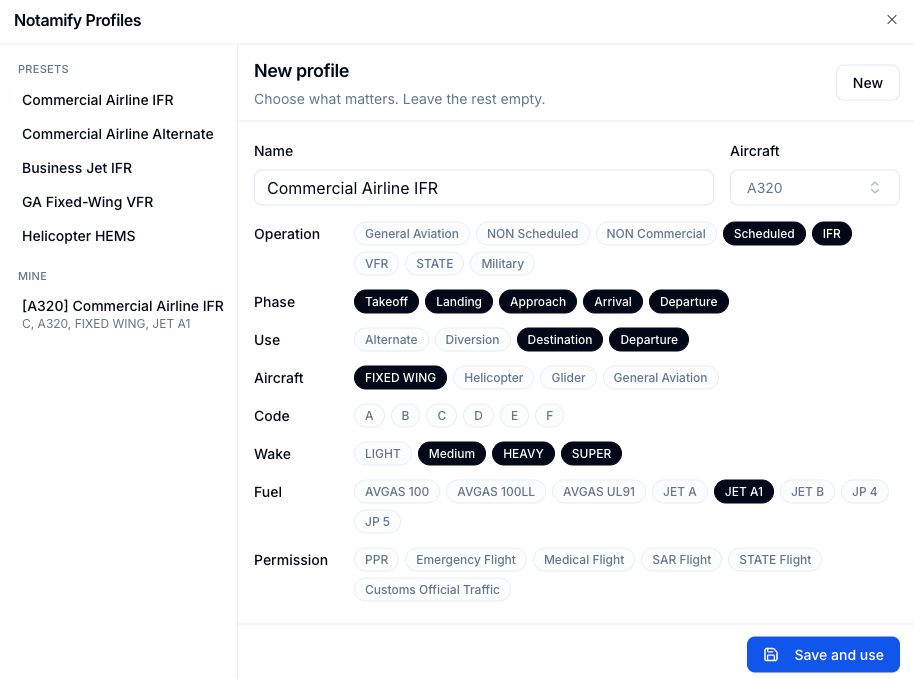
Notamify Profiles put that context to work for real review workflows. Instead of every pilot, dispatcher, and operator seeing the same airport NOTAM list in the same order, you can choose the operational profile that matches the flight you are preparing.
Start from presets such as Commercial Airline IFR, Commercial Airline Alternate, Business Jet IFR, GA Fixed-Wing VFR, or Helicopter HEMS, or build a custom aircraft-based profile. Notamify can then keep all NOTAMs visible, sort matching NOTAMs first, or show only NOTAMs that match the selected profile.
Notamify Operating System updates
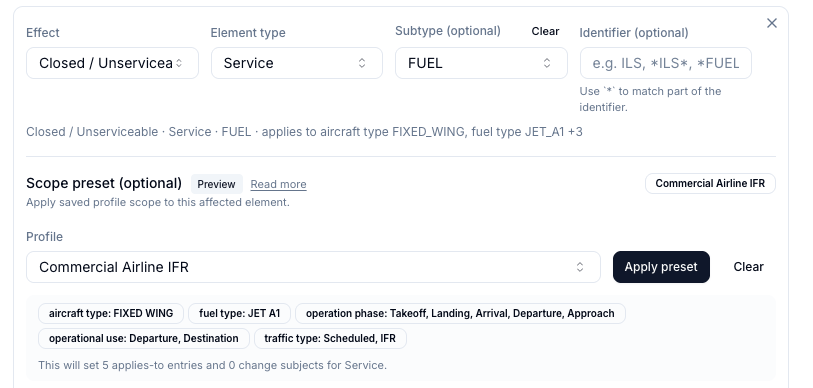
The same profile-aware filtering work is arriving in Notamify Operating System. Enterprise customers can tune dashboards and alerts to the type of operation they run.
This opens up more precise alerting without forcing teams to maintain fragile keyword lists.
The goal is simple: dashboards and alerts should not just say that something changed at an airport. They should help answer whether that change matters for your flights.
Explore Notamify Operating System or view NOTAM alerts.
Affected Element Timeline: see what changes and when
NOTAM schedules are not only about when a NOTAM is active. They are about what is affected during that window. The new Affected Element Timeline brings structured affected elements directly into Notamify Timeline. As far as we know, no NOTAM product has done this before.
For schedule-heavy NOTAMs, Notamify can show the affected item next to the relevant time block. That makes it easier to answer whether a restriction is active during the planned operation.

TORA, TODA, ASDA, LDA and runway-distance NOTAMs
Runway declared distances are some of the easiest NOTAM values to misread in raw text. A single notice can include a displaced threshold and new TORA, TODA, ASDA, and LDA values for multiple runway directions.
Notamify now presents declared-distance context in supported runway NOTAMs so users can distinguish runway-distance changes from generic runway restrictions.
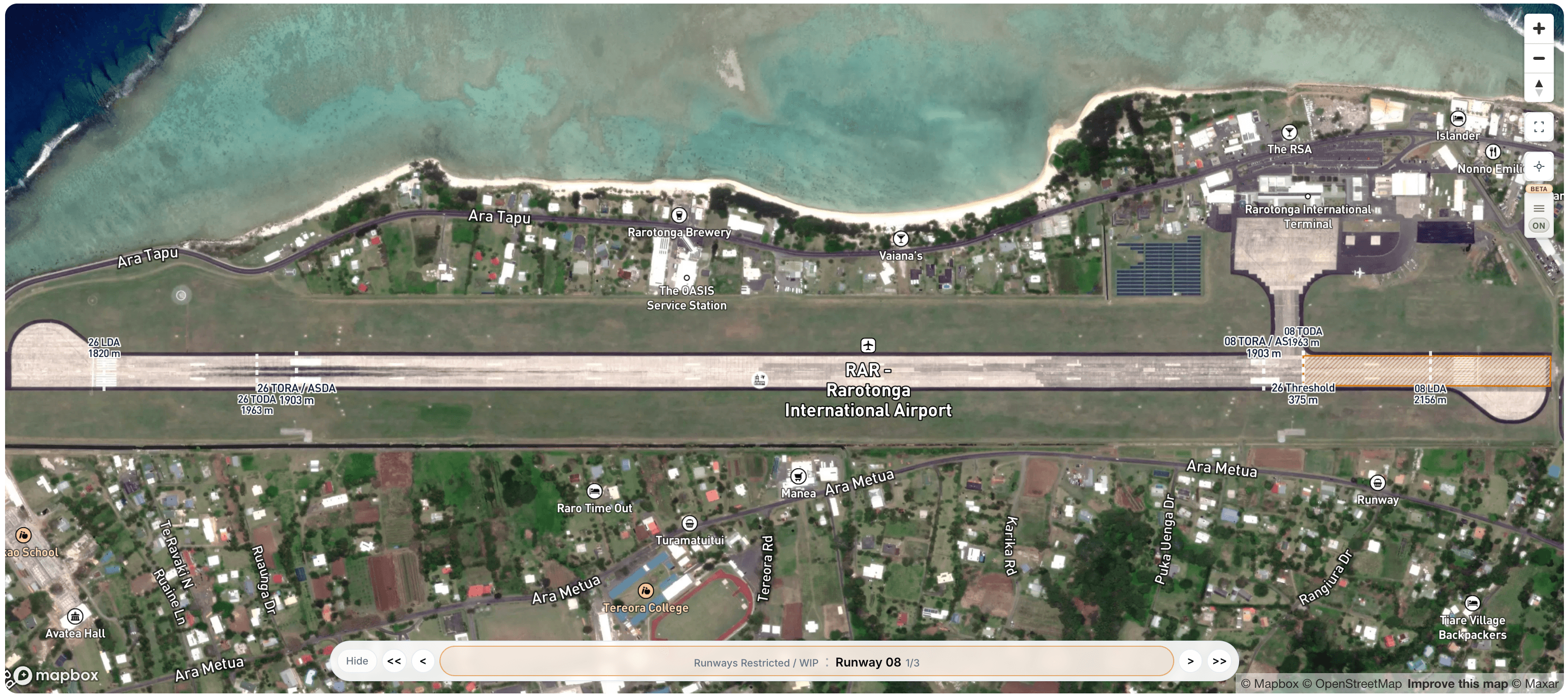
This is available in the product for supported runway-distance NOTAMs.
Smaller workflow upgrades for faster NOTAM review
We also shipped a few focused improvements that reduce repeated scanning during daily NOTAM review.
New NOTAMs since your last visit: Notamify Pro now highlights newly issued NOTAMs when you return to an airport or FIR page, with review state synced across devices. Read more
Saved NOTAMs: Pro users can save important notices and keep them promoted at the top of the current result set. Read more
Click-to-scroll from Notam Globe: Click a NOTAM reference in a globe popup and Notamify jumps directly to the matching NOTAM card or list row. Read more

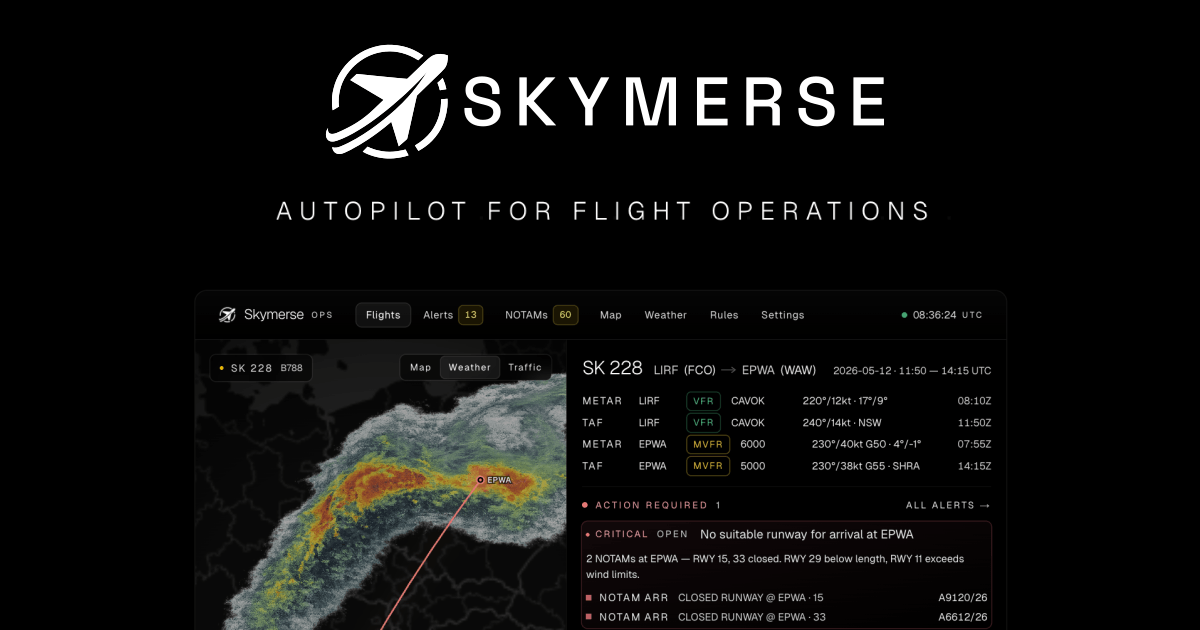
The bigger picture: Skymerse
Notamify is part of Skymerse, and we are investing heavily in its development.
Skymerse builds on the same direction: making operational constraints easier to see for a specific flight.
Notamify makes structured NOTAM intelligence useful today. Skymerse is where we are taking that product direction next.

Read more...
Your AI Agent, Connected to Notamify
10/20/2026
Use Notamify coverage, interpretations and briefings in Codex, ChatGPT and Claude. Connect with your existing account and manage access in Notamify.
Track Starship NOTAMs and Restrictions
9/27/2026
Explore Starship launch restrictions, route closures and re-entry NOTAMs on one map, with notices grouped by airport and flight information region.
Faster Flight Briefings and Automatic Airport Summaries
9/25/2026
Flight briefings now generate 47% faster with improved accuracy. Airport summaries take around few seconds, with a new Auto option for airport pages.
4 Million NOTAMs: What Happens After an Airport Closes
9/12/2026
A review of airport closures, changing airspace restrictions and the information available to flight operations teams in Notamify’s archives.